






Colorhythm is a photo retouching company powered by exclusive technologies that revolutionize post-production
Making Visions Real
Plan & Capture
Share your shot list and publish your call sheet in our Dreamfeed system. Then enjoy real-time integration with Capture Fox™ as you flow product data into your capture session and images to the cloud, followed by rapid-fire selection and touch-enabled markup. And that's just the beginning.
Retouch & Edit
You've already seen our work on the most popular sites in the world. Leverage the might of our post-production team and the power of our web-based workflow system. Perfect your media. Any scale, any standard, everywhere. Color correction, pathing, retouching, compositing, 3D visualization, colorization and draping.
Make & Publish
What happens next: an engine that produces fountains of media from your perfected source files. Product visualization even better than the real thing. Dreamfeed is a hub where you can manage, process, share, publish and archive with ease.








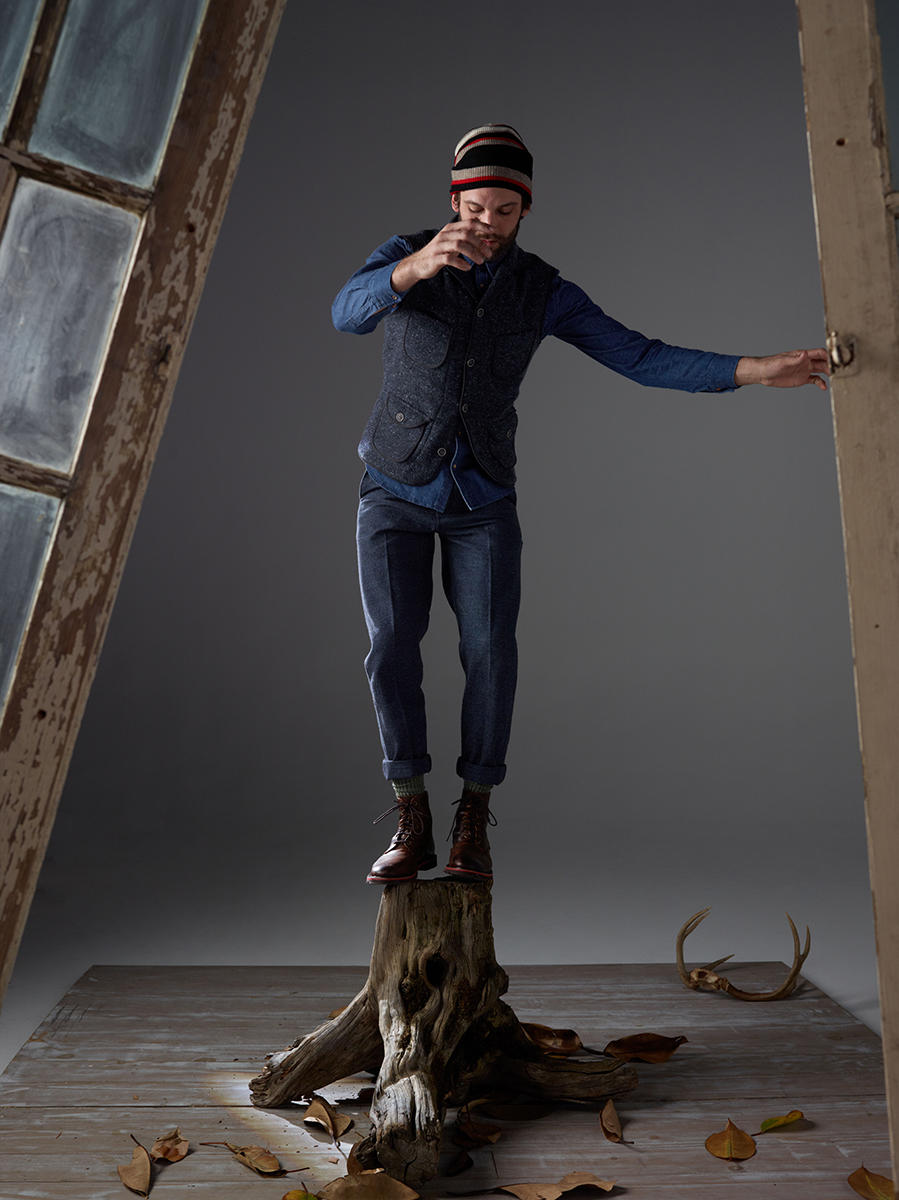


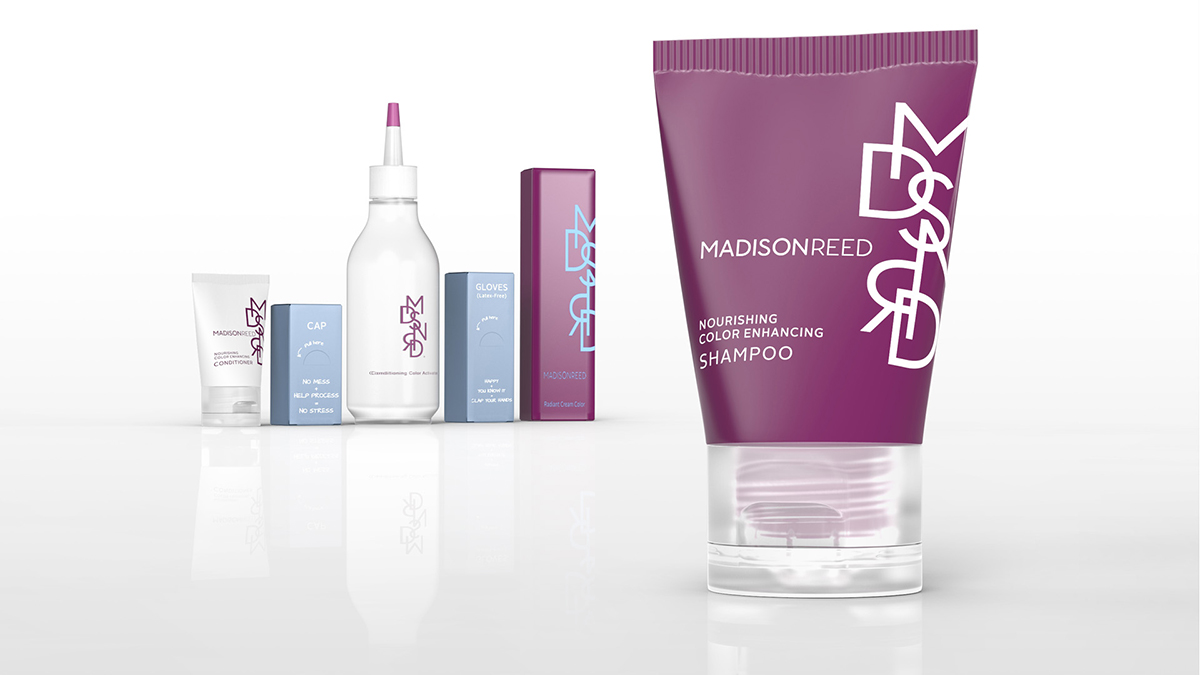

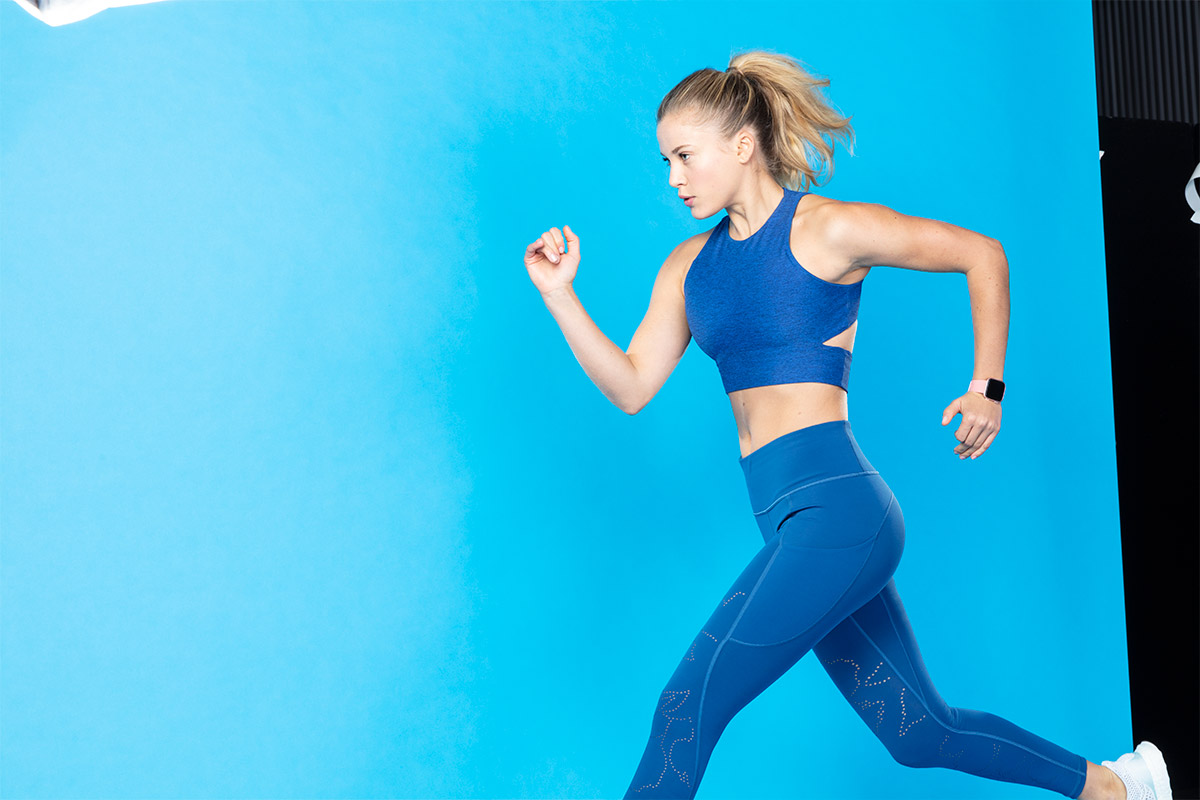
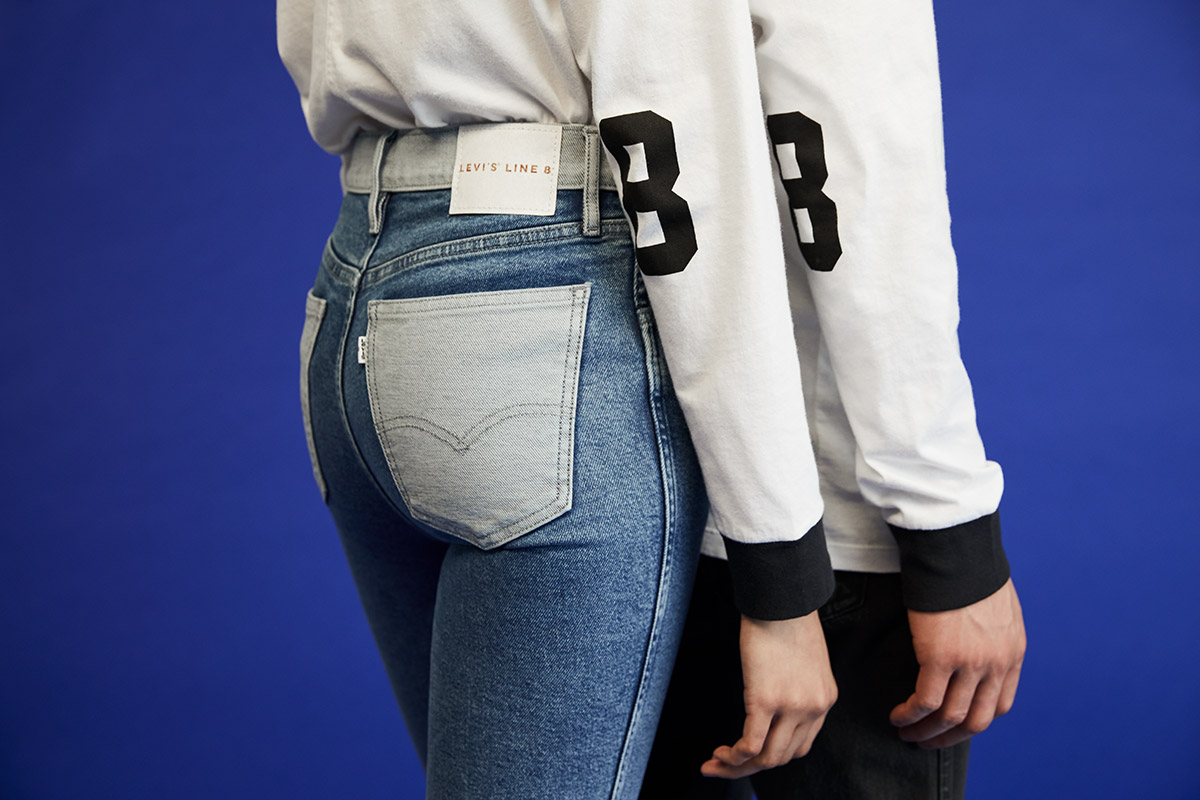
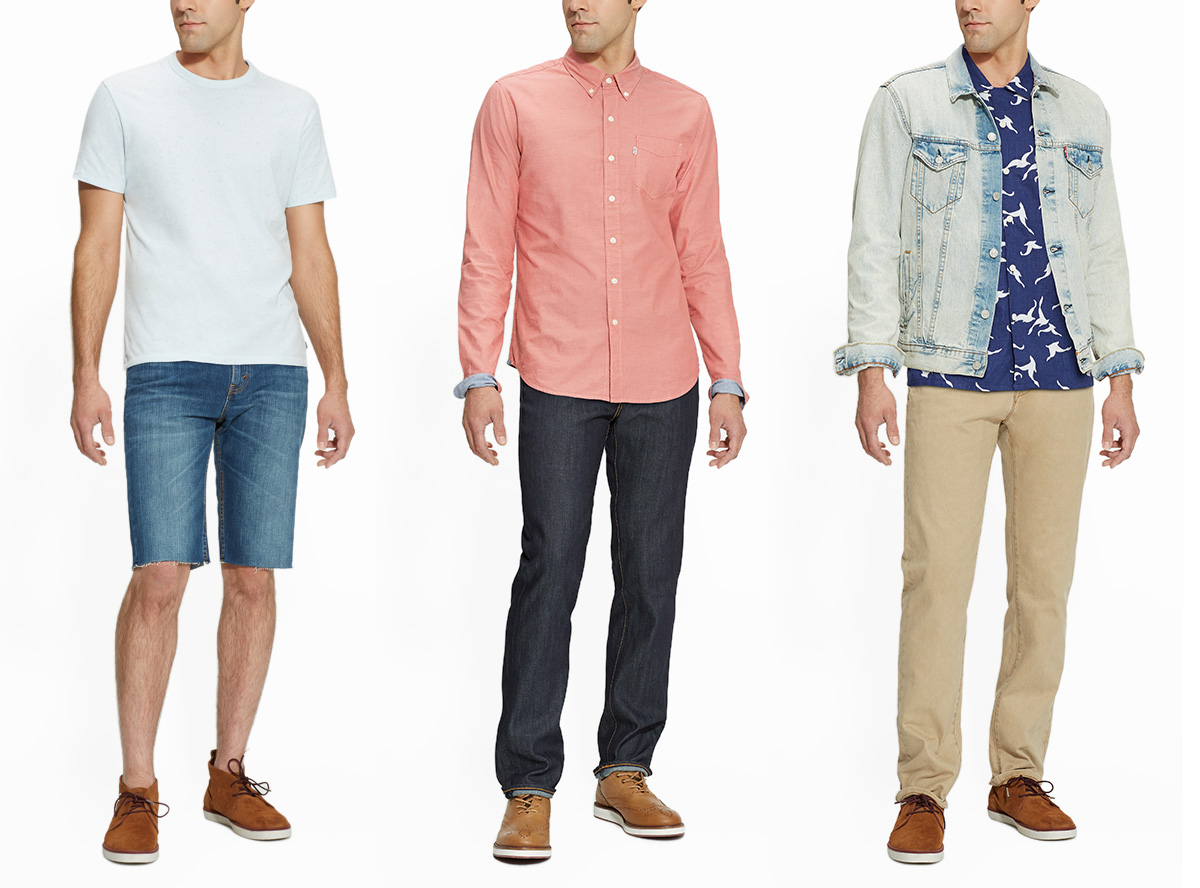

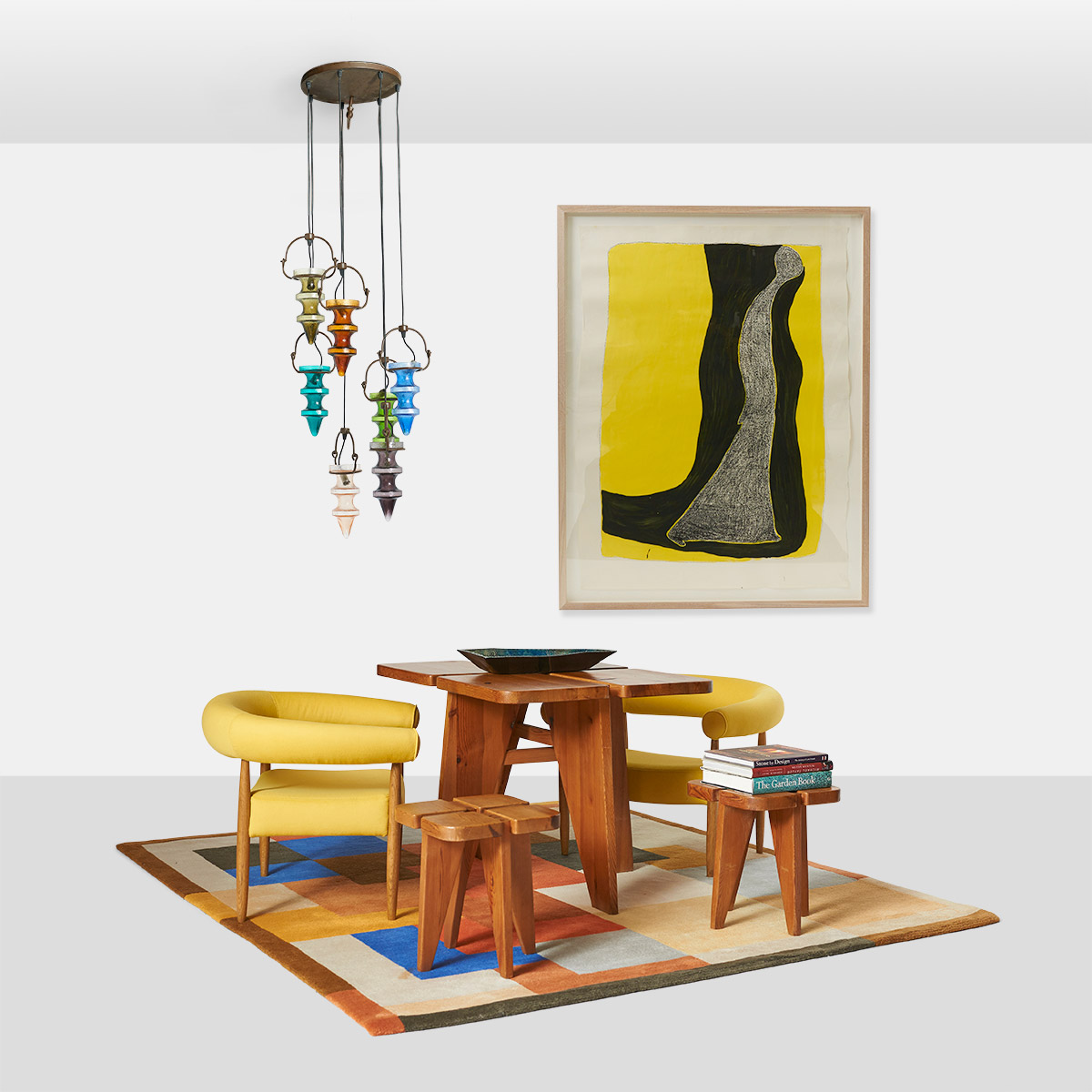
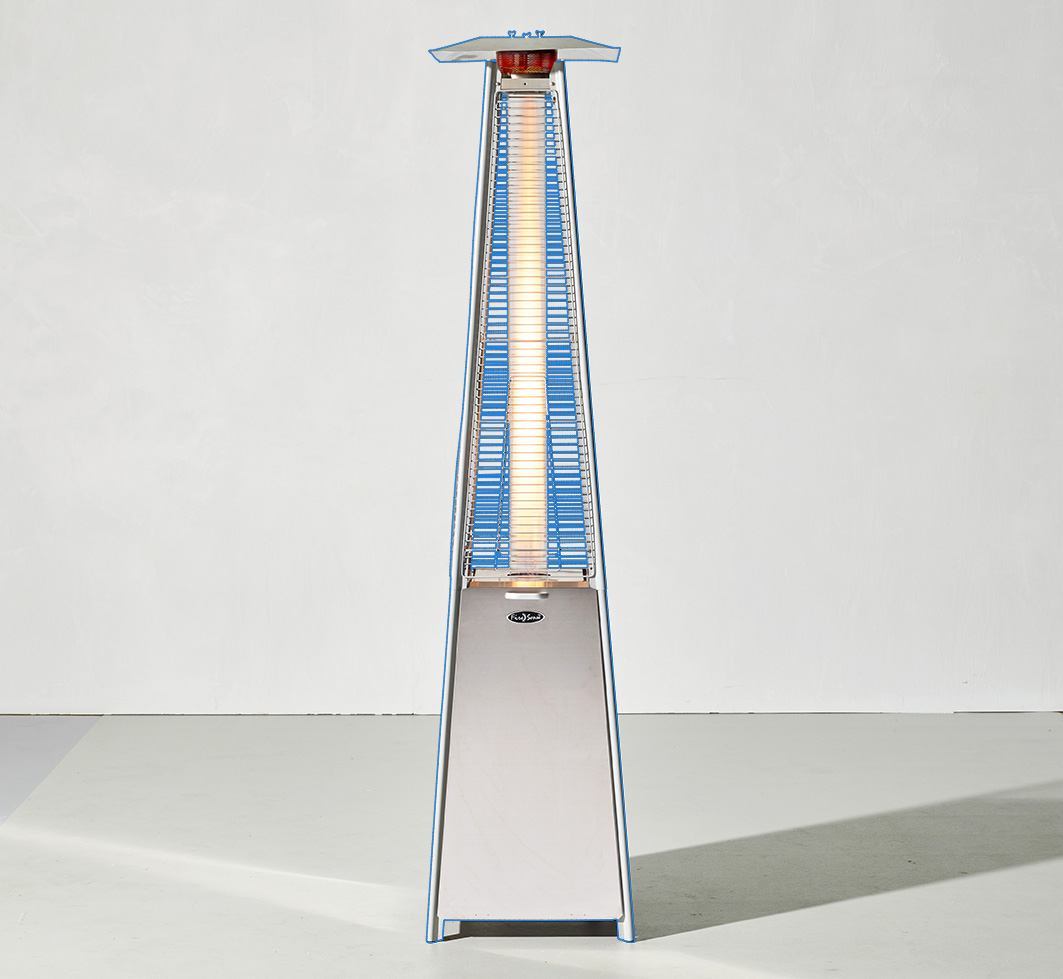
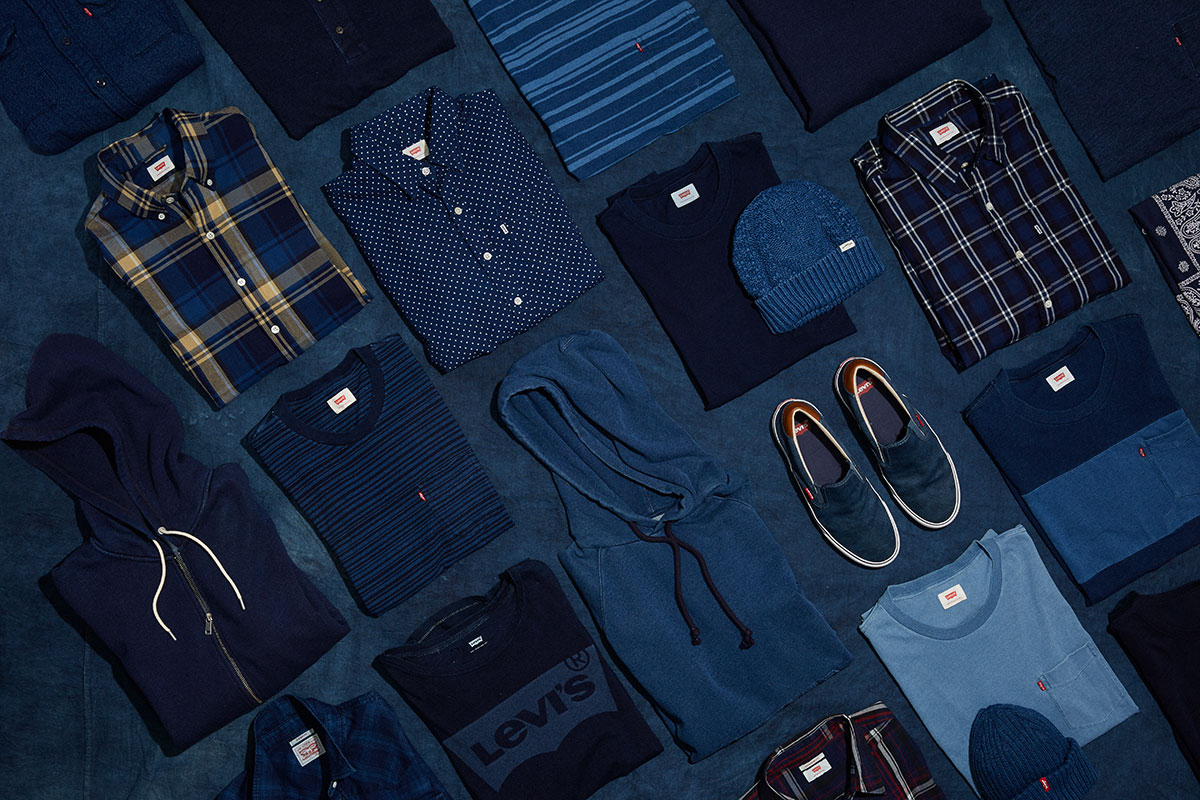




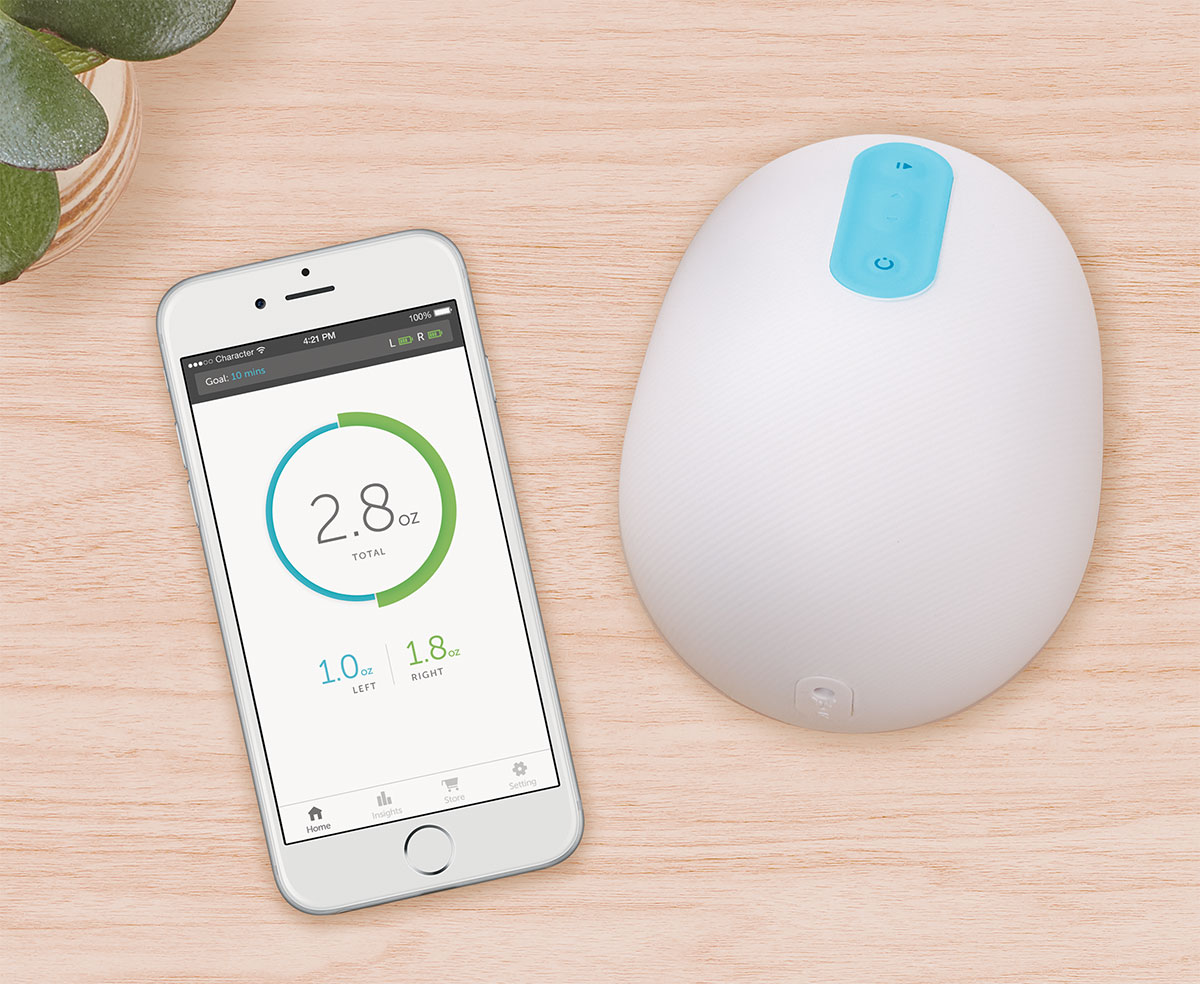
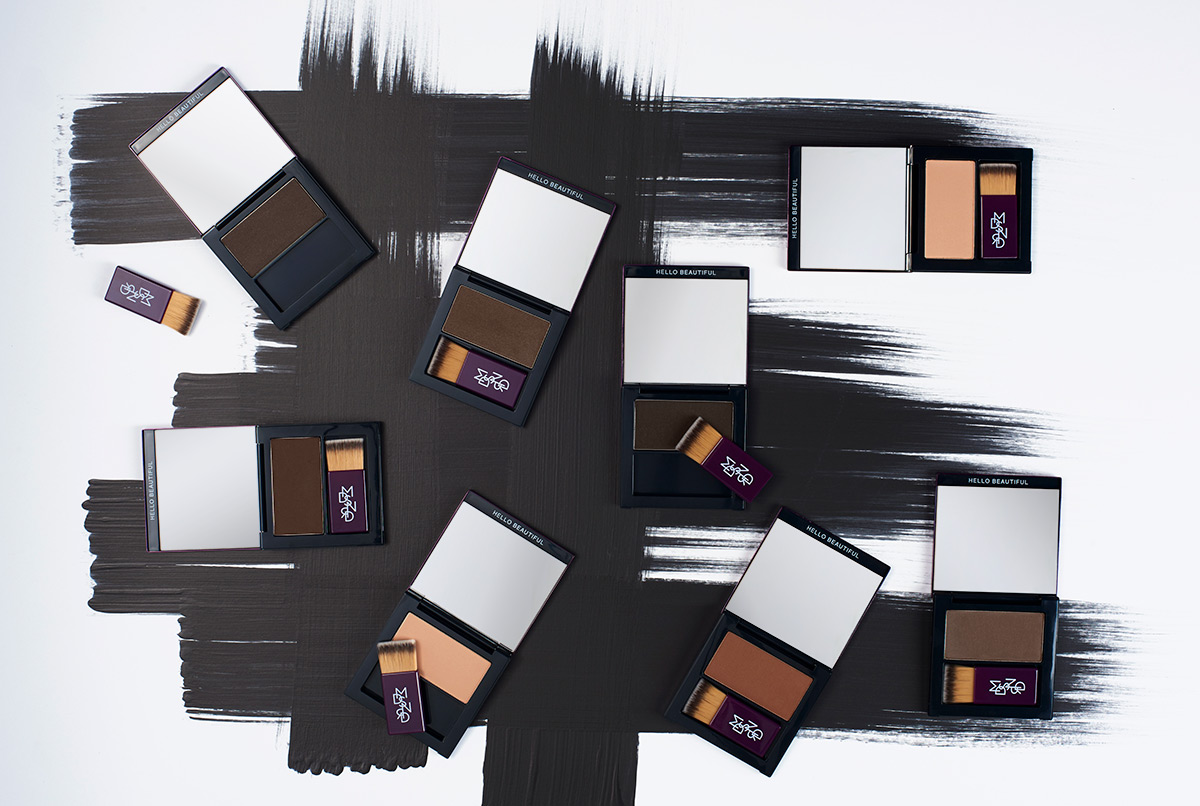





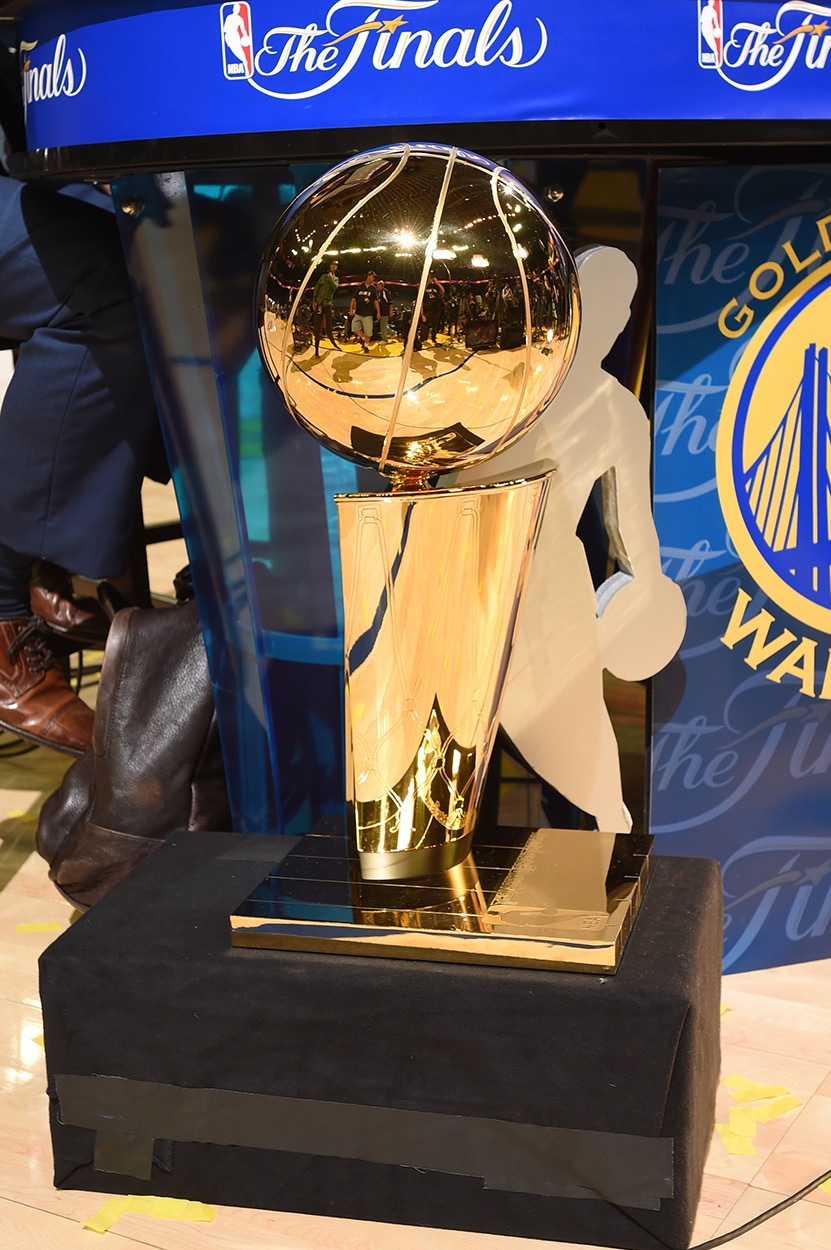
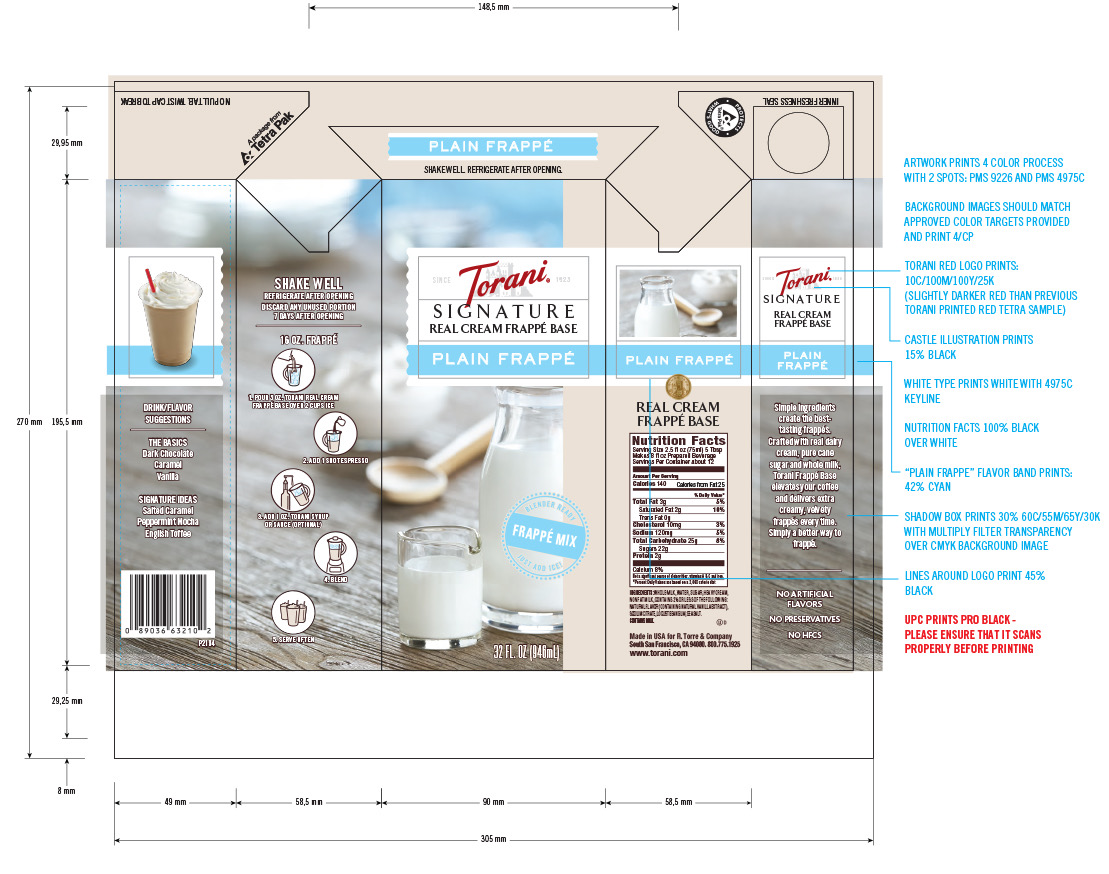

Clients
These illustrious clients (and others) have counted on us:
































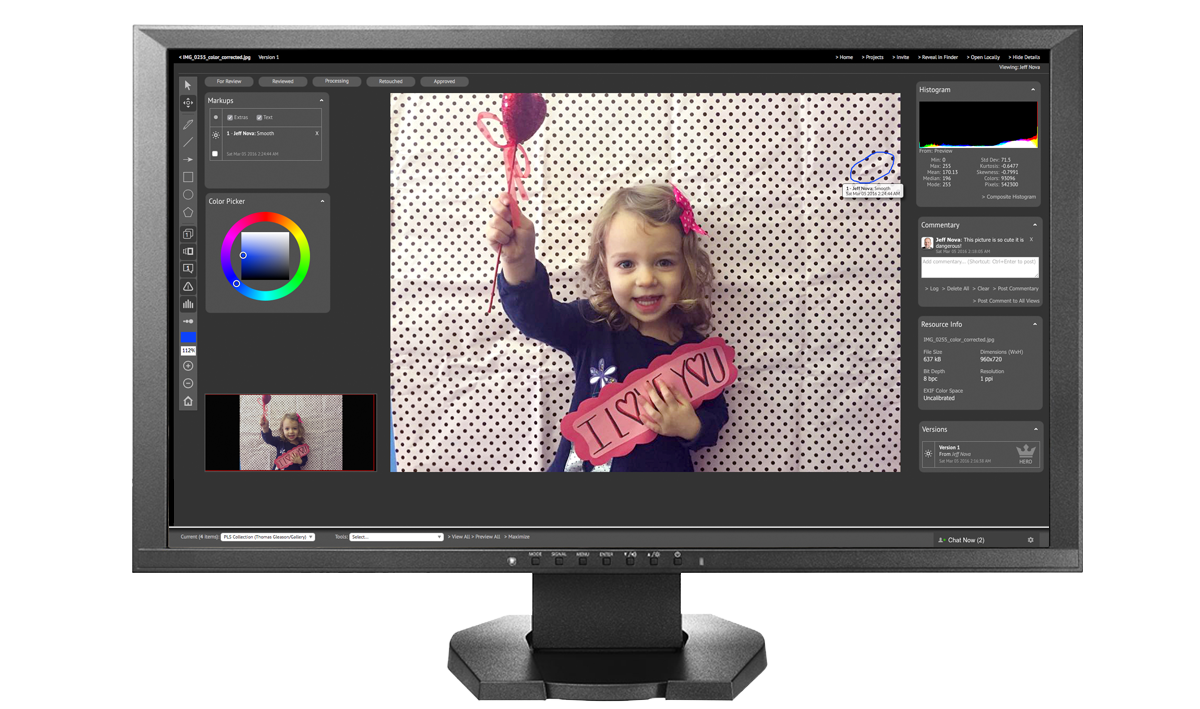

Dreamfeed is a family of applications that supports the planning, capture, post-production, publishing, and archiving of your media. Dreamfeed Portal is the web application at the center of the system.
Dreamfeed Generator is a workhorse able to produce output files from your sanctified source materials. Whatever the naming convention, format, compression, metadata injection, cropping rules, or other parameters you need to address, it stands ready to produce your deliverables at lightning speed.
Capture Fox™ is the magic bridge between your local capture session and Dreamfeed Portal. It will flow your Capture One Pro or Adobe® Lightroom® photo shoot directly to the web in near real-time, so stakeholders around the world can not only rate or select, but markup images and advance efforts in parallel (we recently finished retouching all the rush imagery before the shoot was over!).
Dreamfeed Assembly is our mobile app (iOS / Android) that connects you to your work team for private notifications, video chat, file sharing and more, empowering major efficiencies, smooth coordination, and transparency.
Our touch-enabled markup tool allows you to comment and markup imagery anywhere you have access to a browser. This platform is proven and mature, used by the most discerning brands and art directors in the world.
Our developers work side-by-side with our post-production specialists, forming an ideal feedback loop that results in the most feature-complete tool for post-production that exists.
There is so much more to share!
Tell us about your needs, and let's explore how we can help.
San Francisco, California
United States
